
Support the mission
Help our library and learning community grow.
Support the trust’s library, education and development work in Rahua Sangram. Choose a fund and contribute.
Choose an amount and donate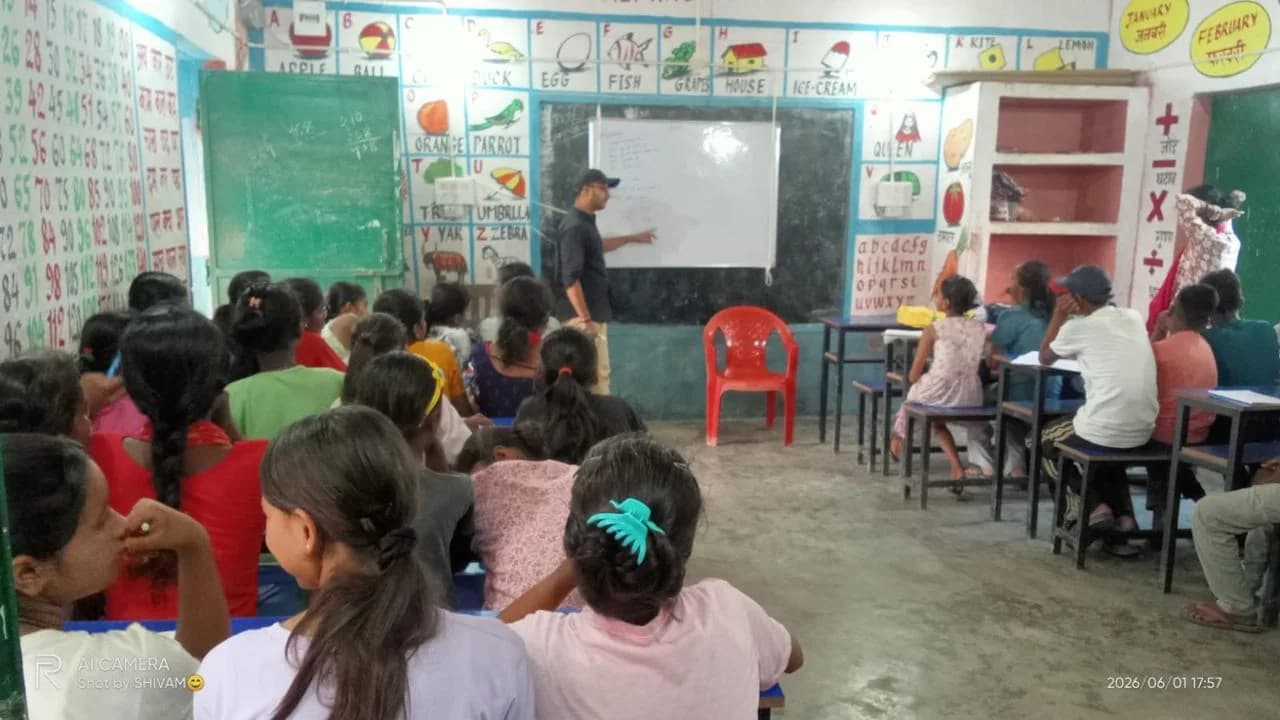
Choose your contribution
Choose an amount and how you’d like to pay.
Check the recipient name in your UPI app before paying.
Scan to pay ₹1,100
The QR includes your selected amount. Verify the recipient and amount in your UPI app.
Use original bank QR instead
This static bank QR does not include the selected amount. Enter it manually in your UPI app.
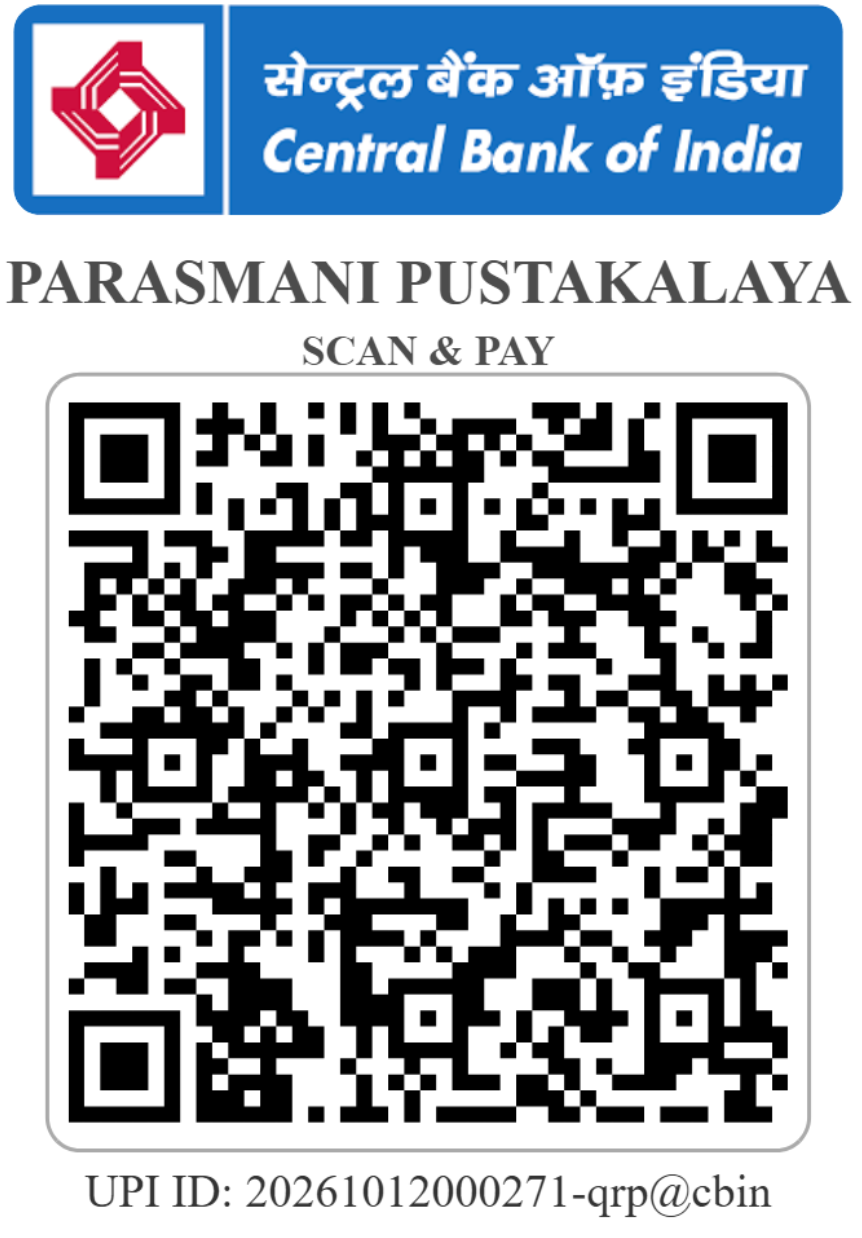
Scanning does not confirm payment. Submit the UTR after paying.
Need help opening your UPI app?
If your app declines the link, scan the QR or copy the UPI ID. In an in-app browser, open this page in your phone’s browser.
A clear path from payment to receipt
- 01
Make your payment
Use UPI, bank transfer or available online checkout. Check the displayed recipient before authorizing payment.
- 02
Share the reference
For UPI and bank transfers, open “I’ve already paid” and submit the amount and transaction reference.
- 03
Receive your receipt
A receipt is issued after payment verification. Provide an email address if you would like email delivery.
Pay safely
Check that the website address is www.ppetrust.in and verify the recipient in your payment app. Never share your UPI PIN, card PIN, OTP or banking password. Do not approve unexpected collect requests.
Need help with a payment?
Contact parasmanipustkalaya@gmail.com with your amount, payment date and transaction reference.
When will my donation be acknowledged?
UPI and bank-transfer submissions are reviewed against the payment reference. Submitting the form alone does not verify a payment. Online checkout payments are recorded after successful payment verification. If you have paid but have not received an acknowledgement, contact the trust with the payment details above.